
Delete Pending Payment Invoice in Old Control Panel
Please follow the steps below to delete the pending transaction / invoice in old domain control panel.
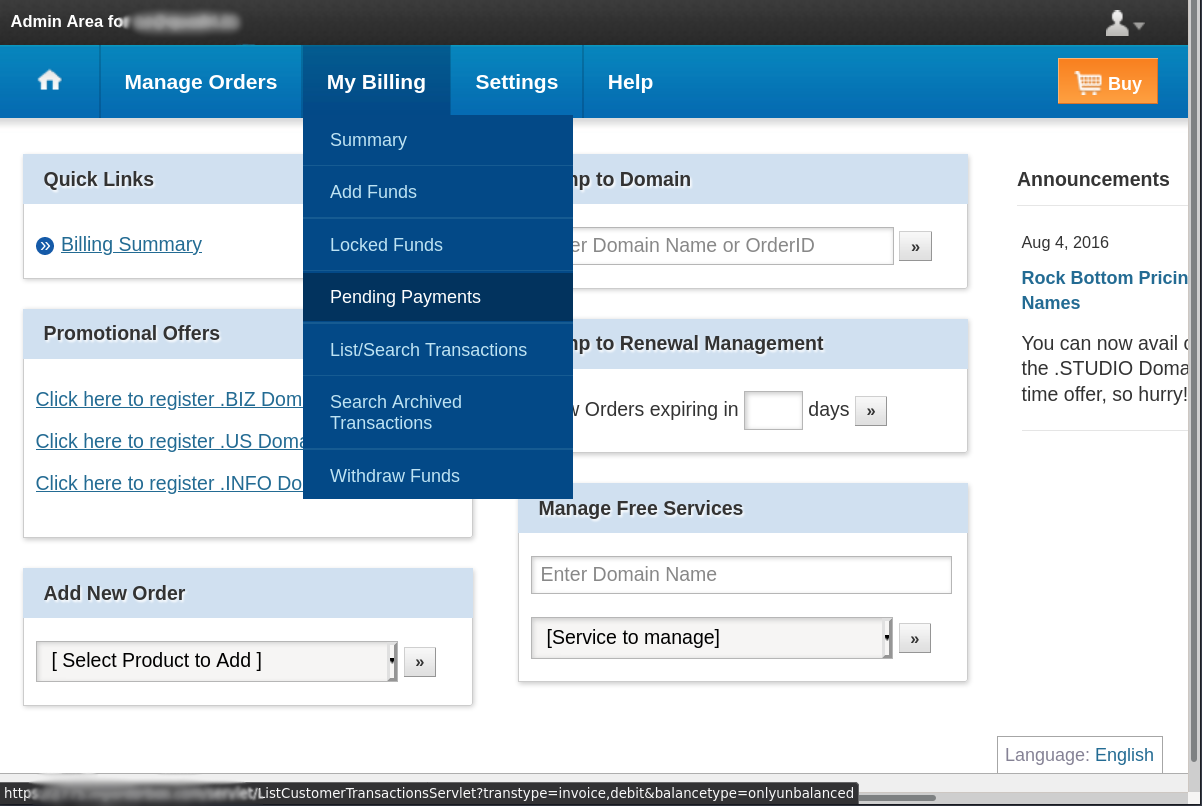
Login to your old Control Panel and choose “My Billing” > “Pending Payments”.
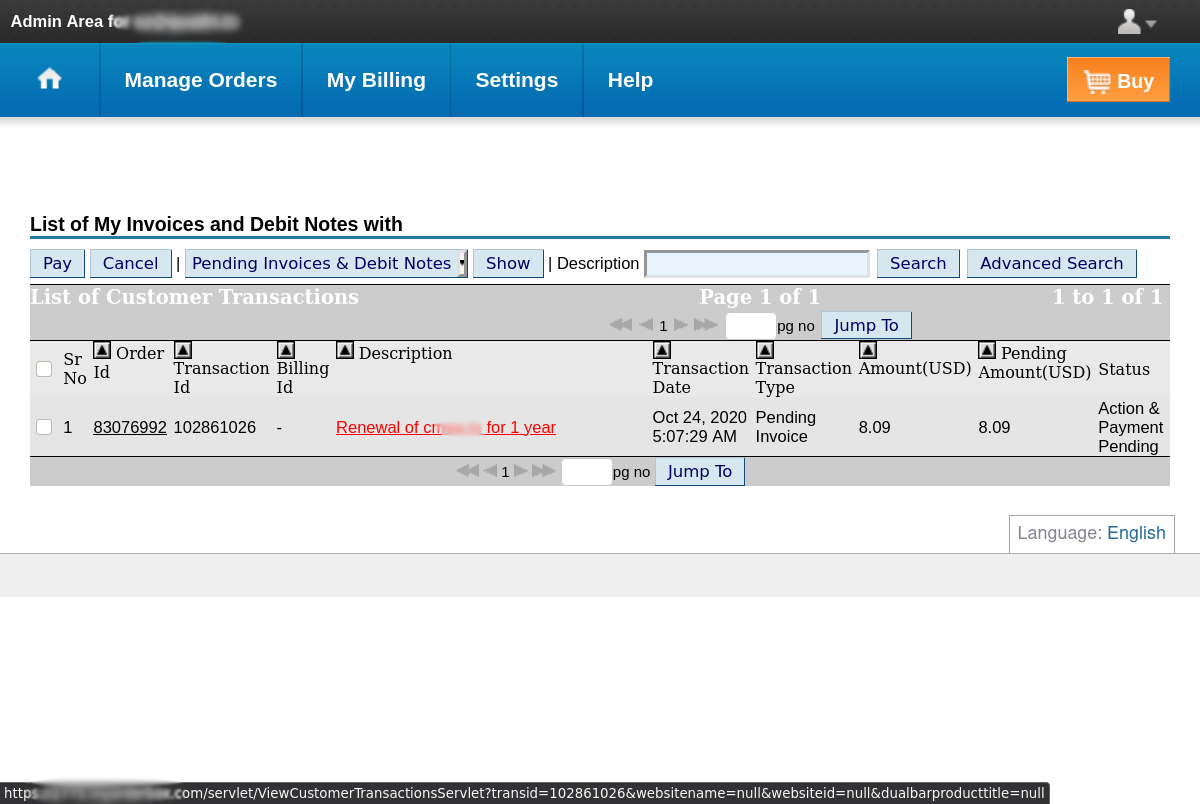
Select the relevant domain name invoice by clicking on the “description link” in respective row.
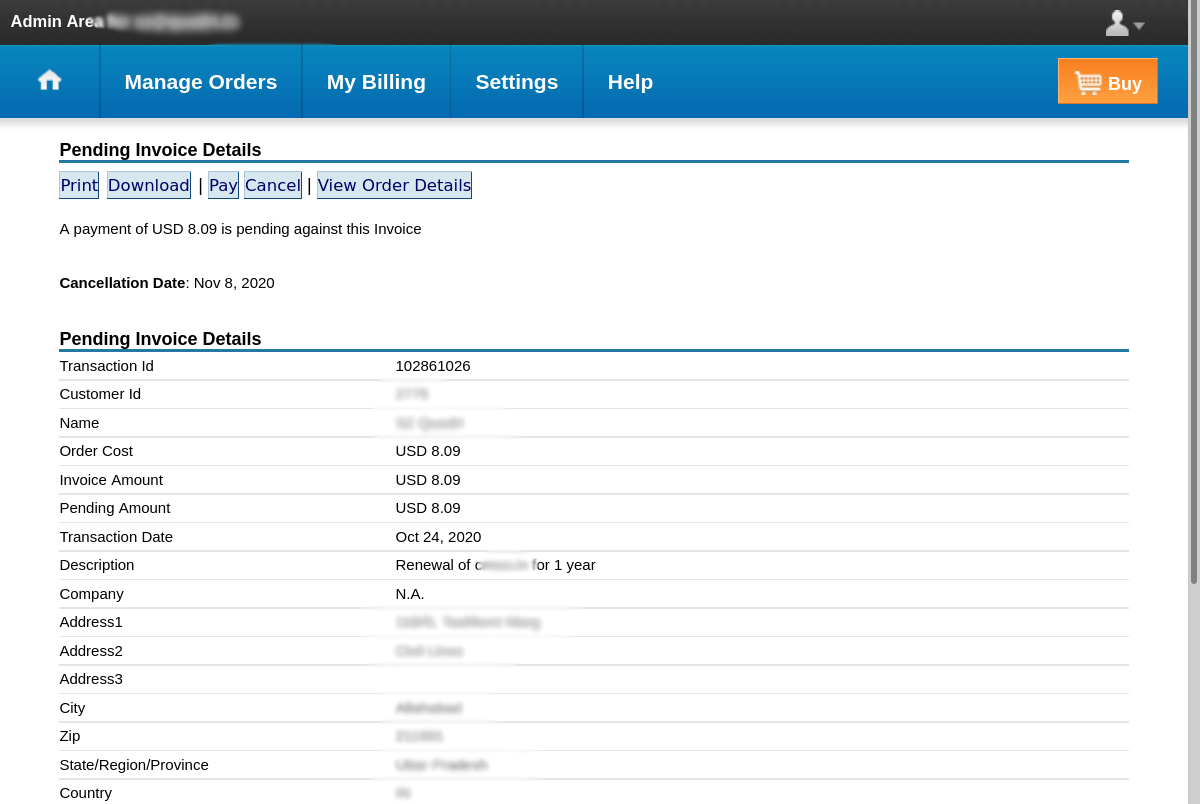
You will be shown “Pending Invoice Details” similar to screenshot below. Click “Cancel”.
On clicking “Cancel” button you will be presented with “confirmation page”. Click “Continue”.
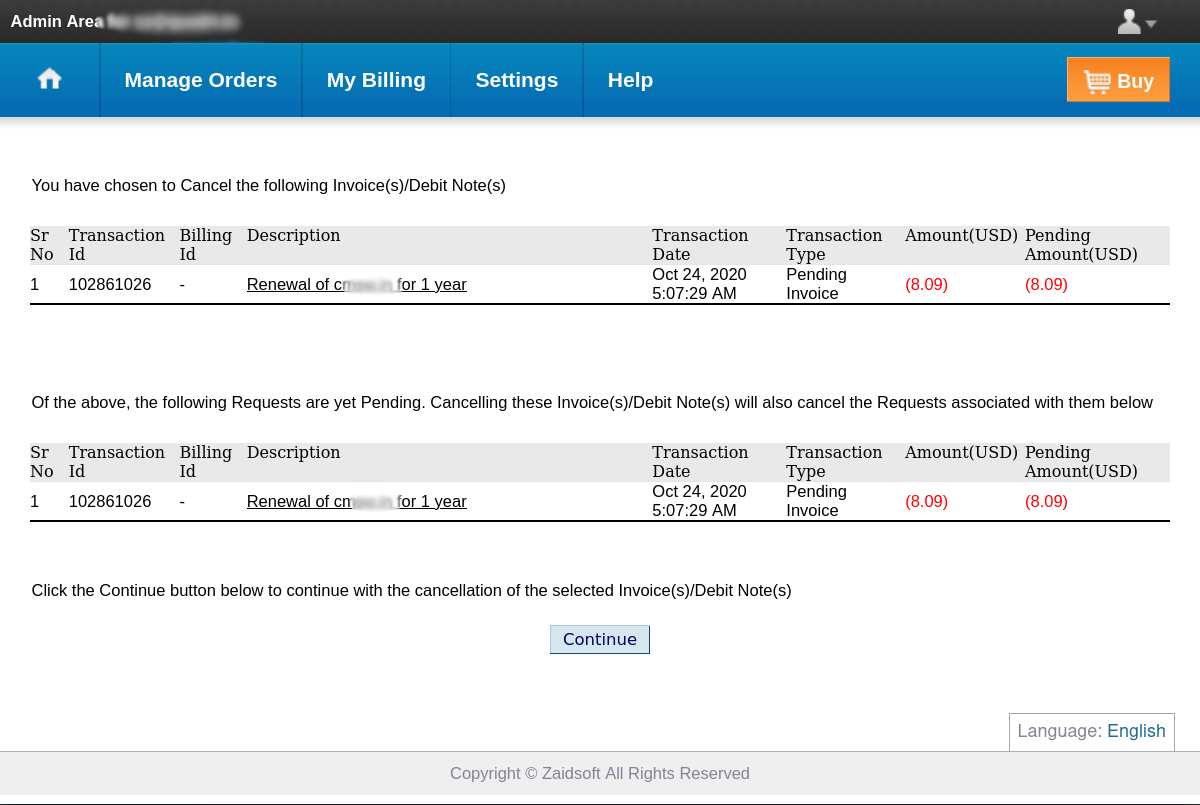
Your pending (unpaid) invoice shall now be cancelled and you will be greated with below screen.
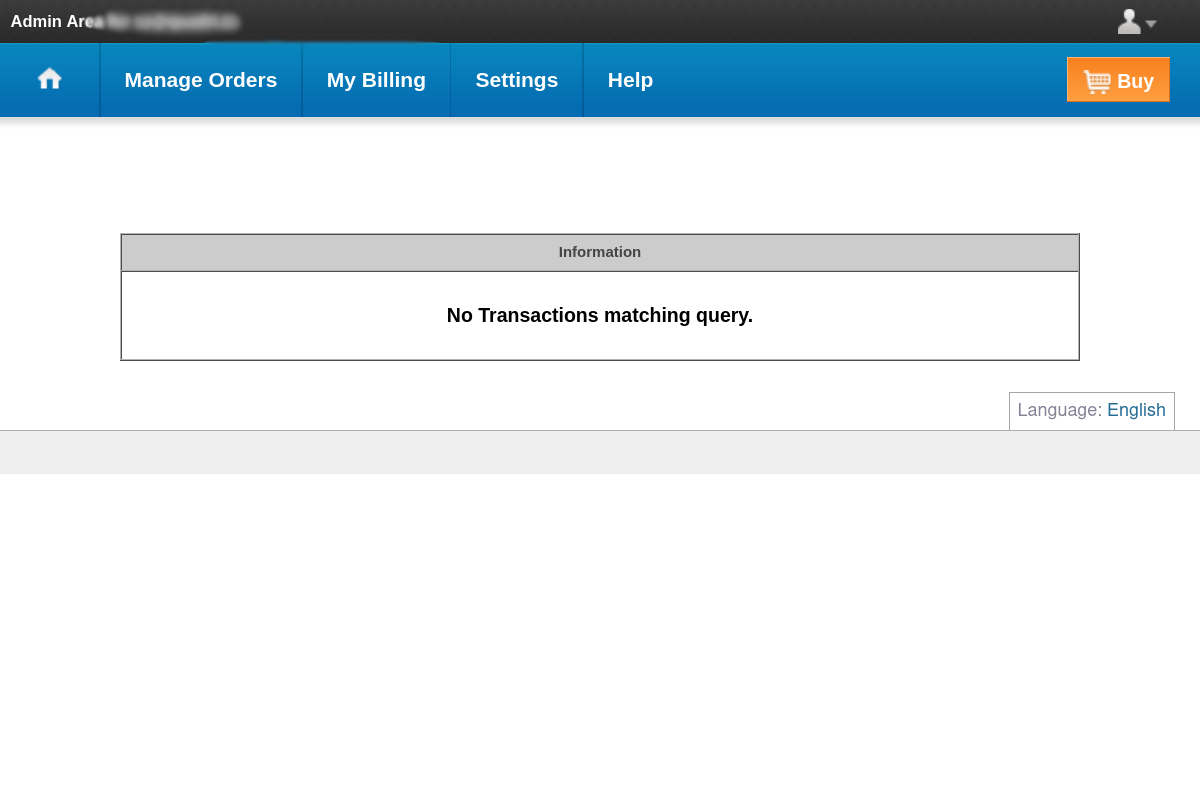
If you wish you can go back to “My Billing” > “Pending Payments” to check again that pending invoice is indeed deleted.